Build An Obby
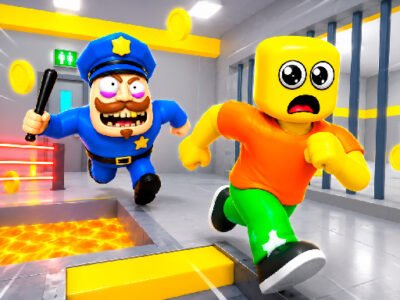
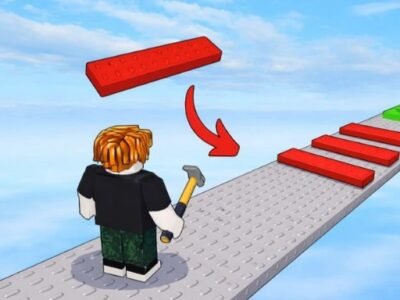
Build An Obby lets you design your own 3D obstacle course. Buy blocks, walls, ramps and lava, place them on your plot, then run your creation to earn money and expand the plot for an even bigger obby.
About Build An Obby
Build An Obby is a free 3D game where you design your own obstacle course instead of just running someone else’s. You get a plot of land and a shop full of parts: blocks, walls, ramps, lava and more. Place them however you like, then run your own course to earn money.
The money you earn goes straight back into your creation. Buy more parts, try new layouts and upgrade your plot so you have room for an even bigger obby. The question the game keeps asking is simple: how big can you make it? It plays in your browser on PC or mobile, with no download.
Tips for building a better obby
- Start small and finish a full course you can actually complete, so you begin earning right away.
- Test every new section yourself. A jump that looks fine while building can be impossible to clear.
- Use lava and tricky jumps sparingly at first, then make the course harder as your plot grows.
- Upgrade your plot when you run out of space. More room means longer courses and more ways to earn.
- Mix ramps, walls and blocks so the course stays fun to replay.
Controls
Move with WASD on PC or the joystick on your phone. Use the mouse or tap the button to interact with objects on the map.
FAQ
Is Build An Obby free?
Yes. You can play it for free on PiikoPlay without signing up or installing anything.
How do I earn money?
By playing through the obby you have built. That money buys new parts and plot upgrades.
Can I play it on mobile?
Yes. It has a joystick and tap controls for phones.
Looking for more games like this? Check out our best obby games.
How to play Build An Obby
- Buy building pieces such as blocks, ramps and lava.
- Place them on your plot to design a course.
- Play your own obby to earn money.
- Upgrade your plot to get more building space.
- Keep expanding to build the biggest obby.
Controls
Move with WASD or use the joystick on your phone. Use your mouse or tap the button to interact with objects on the map.
Features
- Obby building and playing in one game
- Many building pieces
- Plot upgrades
- Earn money by playing your course
- PC and mobile joystick controls
Game information
- Categories
- 3D, Obby, Simulation
- Provided by
- GameMonetize
- Platform
- Web browser (HTML5)
- Added
Build An Obby is developed by a third-party studio and remains the property of its owner. PiikoPlay embeds the game for free play and does not claim any rights to it. Copyright questions?